
 BR Photo Resizer
• July 09, 2026
BR Photo Resizer
• July 09, 2026
BR Photo Resizer: Easily Reduce Photo Size to KB
1. Introduction
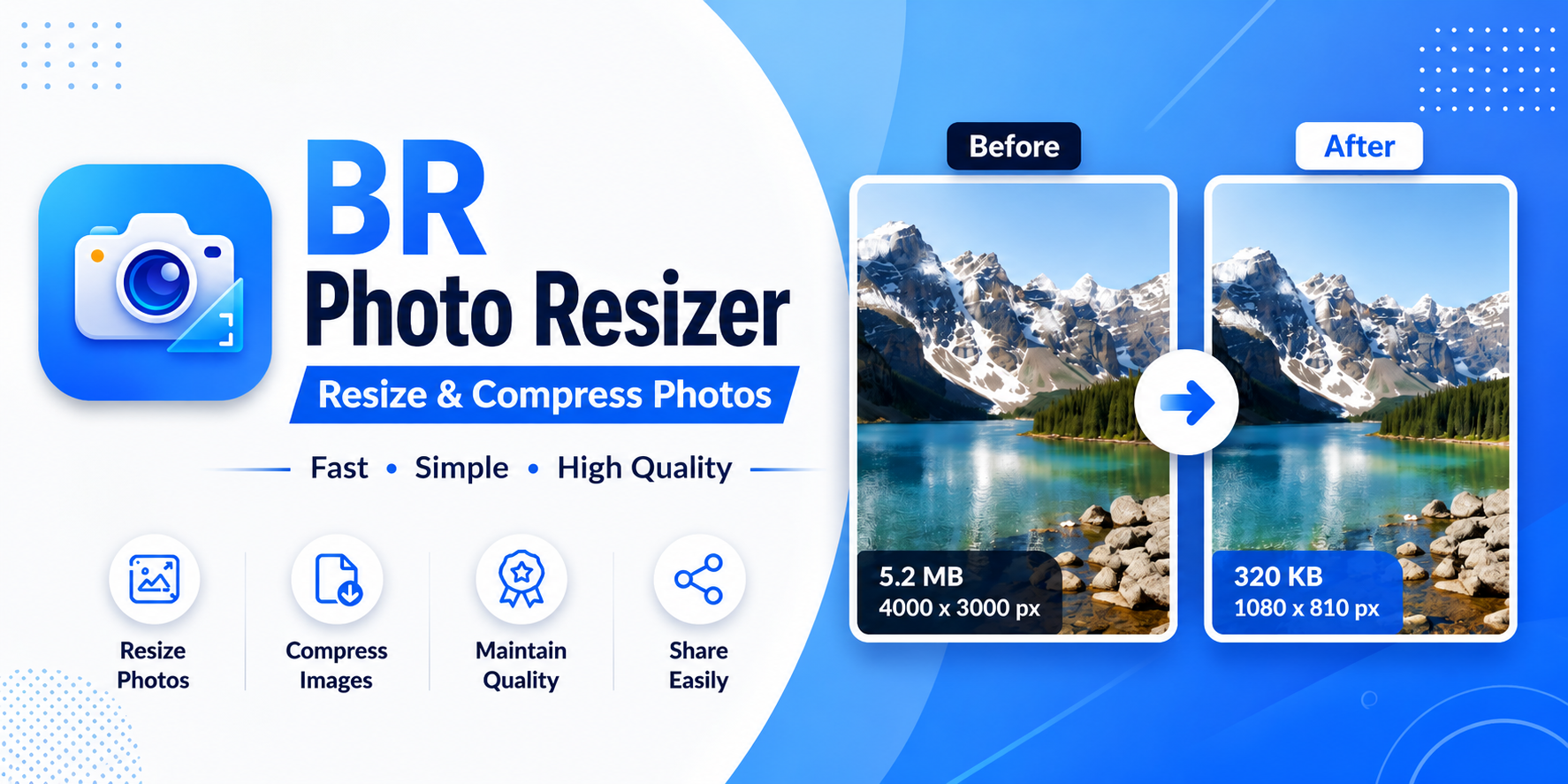
Modern smartphone cameras take stunning high-resolution photos, but these images often result in very large file sizes—frequently ranging from 5 MB to 15 MB per picture. When uploading images to online job portals, government application forms, or email attachments, strict file-size limits can prevent your upload from going through. BR Photo Resizer is an Android utility built specifically to reduce large photo file sizes down to compact KB sizes quickly and easily.
2. Reduce Large Photos to a Smaller File Size
The core purpose of BR Photo Resizer is straightforward: take a large image and shrink its file size down to a significantly smaller size. For instance, a high-resolution 10 MB photo captured by your phone camera can be compressed down to around 100 KB when selecting compatible target options, making it ready for instant upload or sharing. (Note: exact output file size depends on the original image dimensions, complexity, and target parameters selected.)
3. Choose Your Target File Size
BR Photo Resizer features convenient predefined target file-size presets so you do not have to guess compression sliders or mathematical ratios. You can select directly from popular file-size limits:
- Under 20 KB: Ideal for ultra-compact thumbnail uploads and strict document portal requirements.
- Under 50 KB: Great for passport-style photo submissions and small signature uploads.
- Under 100 KB: Perfect for standard web forms, job application portals, and exam registrations.
- Under 200 KB: Suitable for digital ID uploads and online document forms.
- Under 500 KB: Excellent for general email attachments and web publishing.
- Under 1 MB: Fits standard messaging and social upload requirements.
4. Custom Size — Choose Your Own Target
If your application form or website specifies a non-standard limit (such as max 75 KB or max 350 KB), BR Photo Resizer includes a Custom Size (KB) option. Simply type in your required numerical limit in kilobytes, and the app optimizes the photo to meet your exact requirement.
5. Select From Gallery or Take a New Photo
The app provides flexible input choices right on the home screen. You can select existing pictures stored in your device Gallery or capture a fresh picture directly using your phone's Camera.
6. Save Local Device Storage Space
Large photo libraries can quickly fill up your phone's internal storage. By creating smaller compressed copies of your photos with BR Photo Resizer, you can store more image files without consuming gigabytes of precious phone memory.
7. Useful for Uploads and Online Forms
Many official registration portals, student admission websites, and employment portals strictly reject images over specific kilobyte thresholds. BR Photo Resizer eliminates upload frustration by ensuring your photos fall safely within portal file-size limits before you submit.
8. Completely Offline Image Processing
BR Photo Resizer performs its core image processing locally on your device, so your photos do not need to be uploaded to our servers for compression. Processing occurs offline directly in phone memory, preserving your personal privacy and saving mobile data. For more details, review the official BR Photo Resizer Privacy Policy.
9. Simple Step-by-Step Guide
- Choose Input: Tap to pick a photo from your Gallery or take a picture with your Camera.
- Select Target Size: Tap one of the predefined presets (e.g., Under 100 KB) or choose Custom Size (KB).
- Process Image: Tap to compress the image file.
- Save & Use: Save your newly resized, lightweight photo directly to your phone gallery for easy uploading.
10. Who Is BR Photo Resizer For?
- Students & Job Seekers: Compress photo IDs, signatures, and document photos for application forms.
- Online Form Applicants: Easily meet strict file-size upload caps on public and private submission portals.
- Storage-Conscious Users: Keep compact copies of photos on phone memory.
- Mobile Professionals: Send smaller image attachments quickly via email or chat apps over slow network connections.
11. Key Features
- Predefined Target Size Presets (20 KB, 50 KB, 100 KB, 200 KB, 500 KB, 1 MB)
- Custom Target Size Entry (enter any custom KB limit)
- Gallery & Camera Image Selection
- Local On-Device Compression (No server upload required for core features)
- Fast & Offline Performance
- Clean, User-Friendly Interface
12. Conclusion
BR Photo Resizer is an essential, privacy-friendly Android tool for reducing image file sizes down to target kilobyte limits. Try BR Photo Resizer and explore our complete suite of Android tools in the GB Tech Studio Apps Catalog.