
 BR Status Saver
• July 02, 2026
BR Status Saver
• July 02, 2026
BR Status Saver: Easily Save WhatsApp Status Photos & Videos
1. Introduction
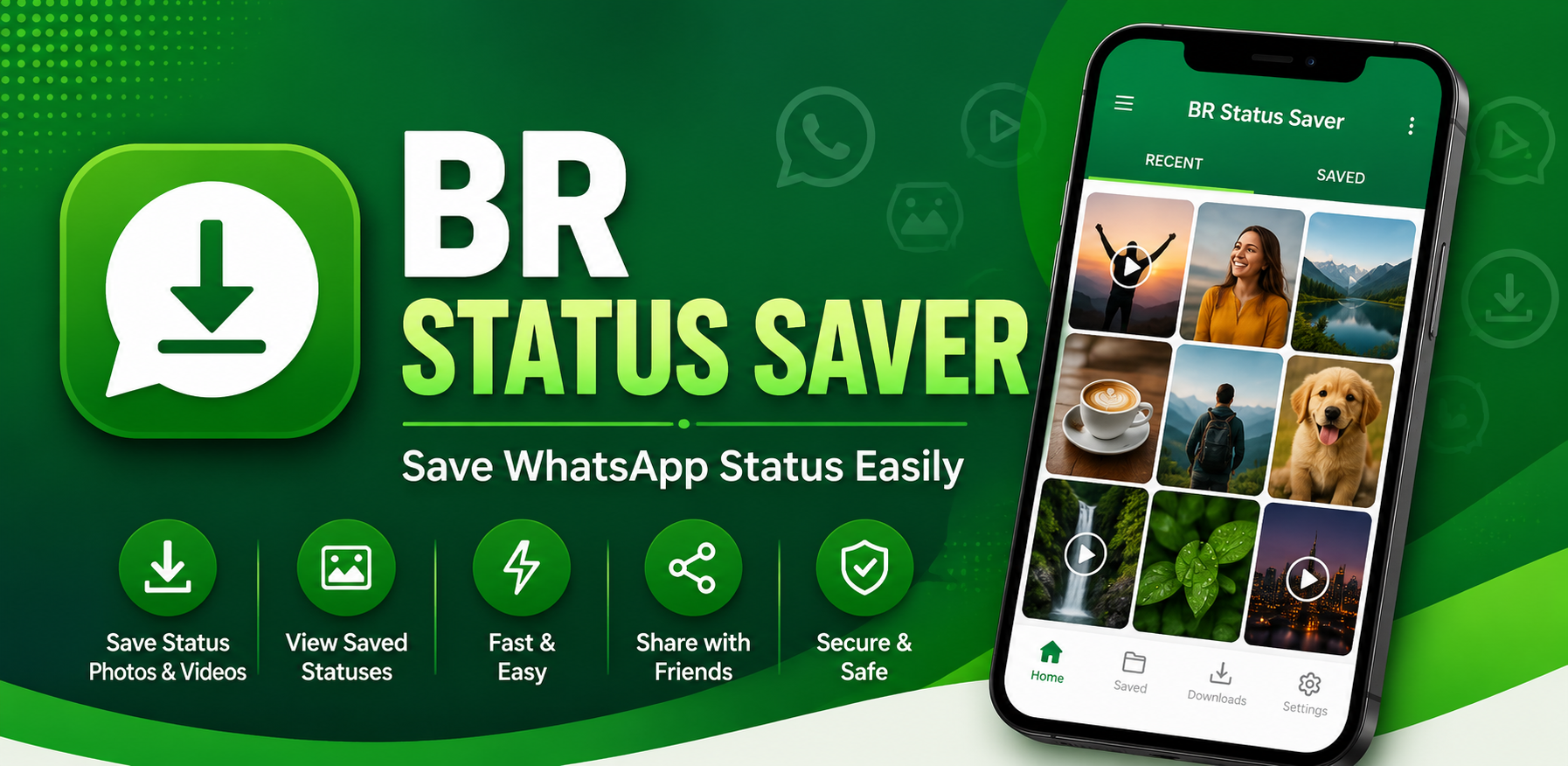
WhatsApp Status updates allow friends and family to share memorable photos, short video clips, and status moments that automatically disappear after 24 hours. However, users frequently come across status posts they want to save or keep for future reference. BR Status Saver is a lightweight Android utility designed to help users easily save and manage WhatsApp Status photos and videos they have viewed.
2. Save WhatsApp Status Photos & Videos
The primary purpose of BR Status Saver is to provide a clean, simple interface for downloading and preserving status media. Whenever you view a photo or video status in WhatsApp, BR Status Saver allows you to save that media directly to your phone so it is not lost when the 24-hour status window expires.
3. How BR Status Saver Works
BR Status Saver follows a fast, user-friendly workflow designed for everyday convenience:
- View Status in WhatsApp: Open WhatsApp and view the photo or video status updates shared by your contacts.
- Open BR Status Saver: Launch BR Status Saver to display the status media that has been viewed.
- Select & Save: Browse the status gallery inside BR Status Saver and tap to download your chosen photos or videos.
- Access & Share: View saved media in your local device gallery, share it with friends, or repost it to your own status.
4. Save Status Videos Directly
Saving status video clips is effortless with BR Status Saver. High-definition video statuses you have watched in WhatsApp can be saved directly with a single tap, allowing you to watch status videos offline whenever you choose.
5. Save Status Photos to Gallery
In addition to video clips, BR Status Saver saves full-resolution status photos directly to your Android device gallery. Photos stay neatly organized in your local storage so you can access them inside your default photo manager at any time.
6. View Saved Statuses In-App
BR Status Saver includes a dedicated built-in Saved section. Inside this gallery view, you can browse all previously saved status photos and videos in one location without needing to hunt through file manager folders.
7. Share Saved Statuses Easily
Found a funny video or inspiring photo status? BR Status Saver enables direct sharing to other apps, messaging channels, or social networks using standard Android share menus, making it simple to pass memorable media along to family and friends.
8. Post Saved Media to Your Own WhatsApp Status
BR Status Saver makes reposting easy. You can take any status photo or video saved in the app and immediately post it back to your own WhatsApp Status without needing external media editing tools.
9. Simple & Convenient Status Management
Manually searching through temporary system folders or asking contacts to resend status videos can be tedious. BR Status Saver eliminates these friction points by providing an organized visual grid of viewed status media ready for instant saving.
10. Privacy & Local On-Device Storage
BR Status Saver processes status files 100% locally on your smartphone. Media is saved directly to your local device memory or SD card gallery. The app does not upload your saved status media to external servers, protecting your privacy. For complete privacy details, check out the official BR Status Saver Privacy Policy.
11. Independent Application Disclaimer
Disclaimer: BR Status Saver is an independent application developed by GB Tech Studio and is not affiliated with, sponsored by, or endorsed by WhatsApp LLC or Meta Platforms, Inc.
12. Conclusion
BR Status Saver offers a straightforward, offline-capable solution for Android users who want to preserve status memories. By streamlining the process of saving, viewing, sharing, and reposting viewed WhatsApp status photos and videos, BR Status Saver ensures your favorite status moments remain accessible on your device whenever you need them. Explore our full suite of mobile software in the GB Tech Studio Apps Catalog.